Answer:
Start Notepad by using the Start button in the bottom left of your screen and following the path to Notepad: Start-Programs-Accessories-Notepad.
Step 1: Start Notepad and the Command Prompt
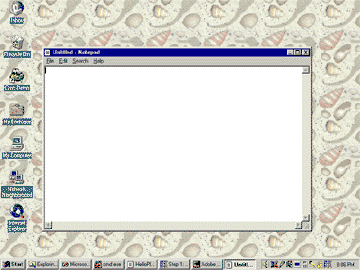
Here is what this looks like on my Windows 2000 computer as I start Notepad. (Your computer should be about the same, except that you might have better taste in wallpaper.)

After Notepad starts you should see this:
QUESTION 5:
(Review:) How do you start the command prompt Window?


